
All Cursor Packs
Browse our full collection of custom cursors. Find your next favorite style and install it for free.
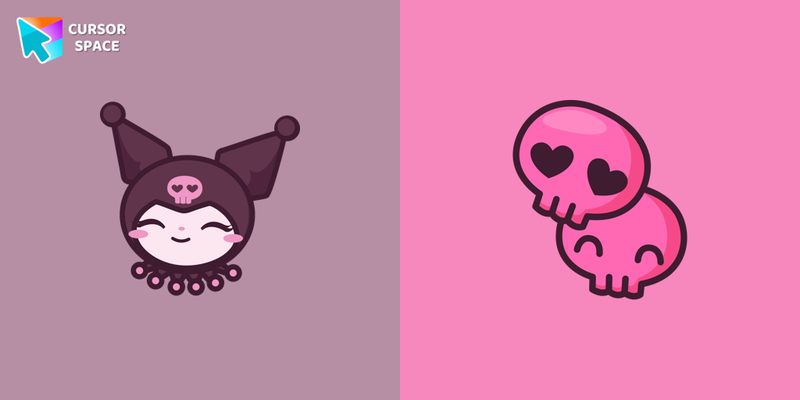 Kuromi cursorKuromi is a white rabbit wearing a black jester's cap with a pink skull on the front and a black devil's tail. Kuromi cursor for a mouse is a good fan art to decorate your browsing.
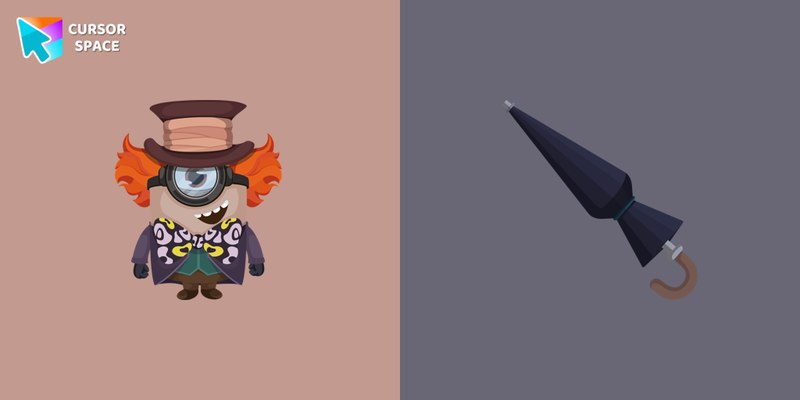 Minion The Mad Hatter Character cursorThe Mad Hatter character from "Alice in Wonderland" in a cute design will replace your usual cursor with a cute Minion The Mad Hatter custom cursor for mouse and pointer.
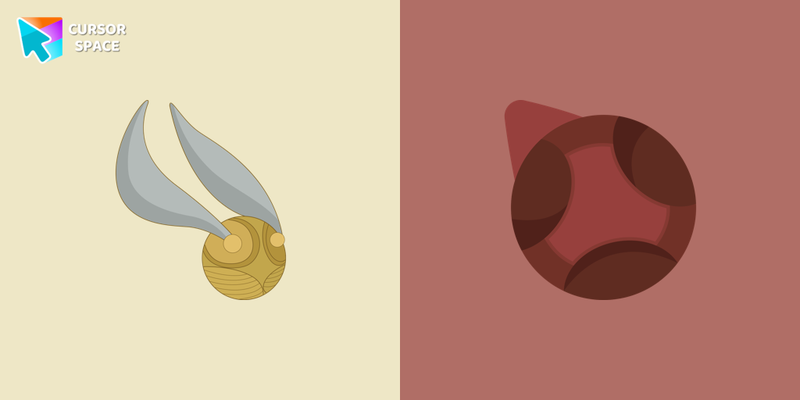 Snitch and Quaffle cursorDon't miss out on flying on a broom by playing the fun Quidditch sports game. Snitch as a cursor for the mouse and quaffle pointer will look pretty nice on your screen.
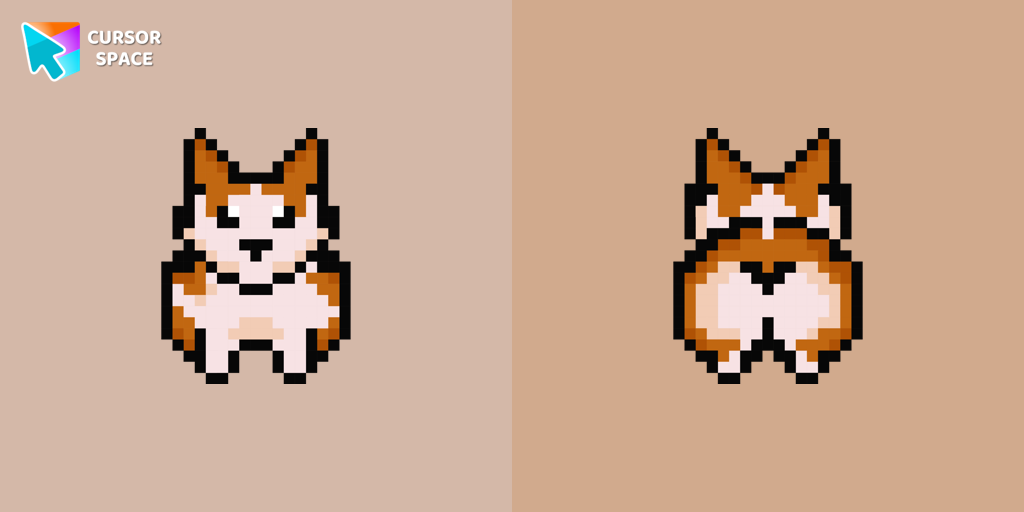 Welsh Corgi Pixel cursorMeet the happy Corgi Pixel cursor for Chrome in a Cute Pixel custom cursors collection for mouse and pointers.
 Princess Leia cursorAuthentic custom cursor with Leia Organa in a Star Wars cursors collection for Chrome browser. Leia Organa cursor item is a pretty designed set of mouse cursors with a stylish hover.
 The Deathly Hallows cursorThere is a custom cursor with Elder Wand and a Resurrection Stone as a hover in a set of Harry Potter cursors for Chrome.
 C-3PO cursorThe custom cursor for mouse and pointer from our Star Wars collection will allow you to build a warm relationship with your tab with C-3PO.
 Minion Captain Jack Sparrow Character cursorThe custom cursor for mouse and pointer from our Minions collection will allow you to navigate the tab at the speed of a Minion Captain Jack Sparrow.
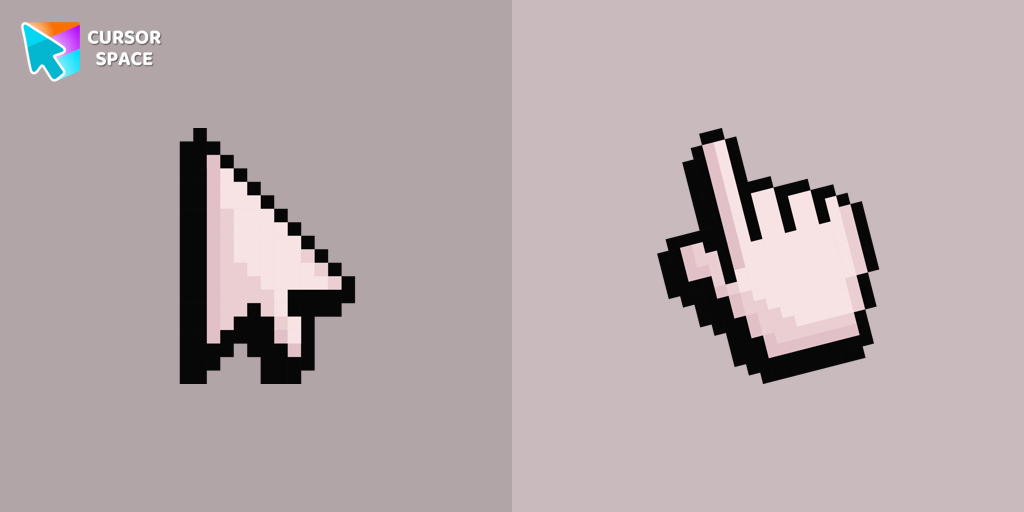 Default Pink Pixel cursorPink Pixel Cursor is a custom cursor from our custom cursors collection for Chrome.
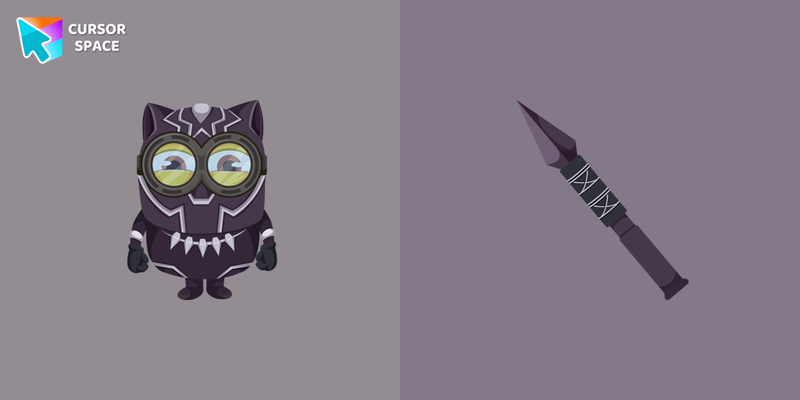 Minion Black Panther Character cursorCute custom cursor with Minion Black Panther includes a mouse cursor in the form of vibranium spear and a hover pointer with Minion Marvel Black Panther.
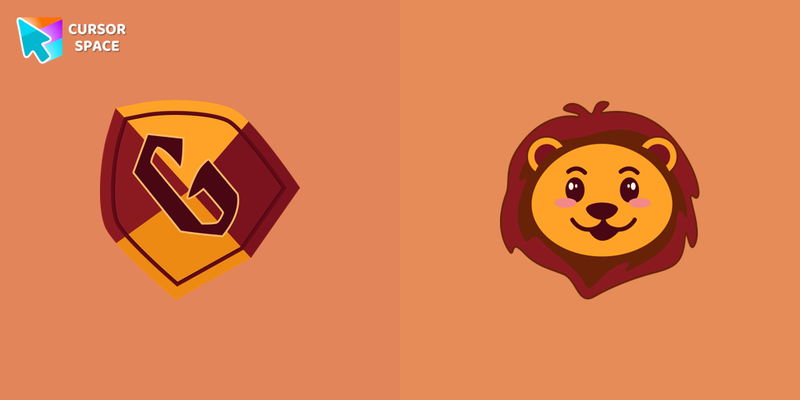 Gryffindor Crest cursorGryffindor Crest cursor for a mouse is a good fan art to decorate your browsing. Mascot lion hover comes together with the custom cursor with Gryffindor emblem.
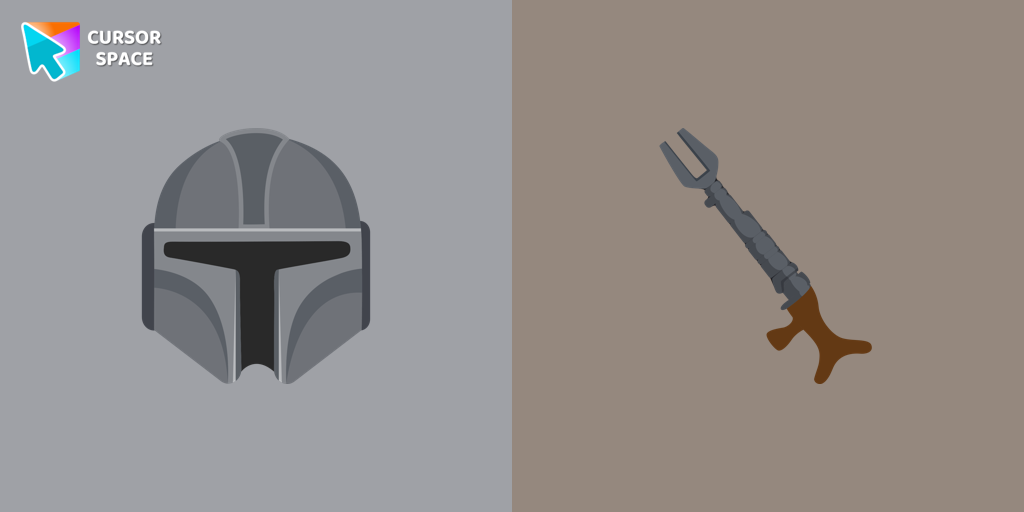 The Mandalorian cursorShow your love for The Mandalorian with our custom cursor. Enjoy the iconic bounty hunter in a custom cursor for Google Chrome, adding style to your browsing.
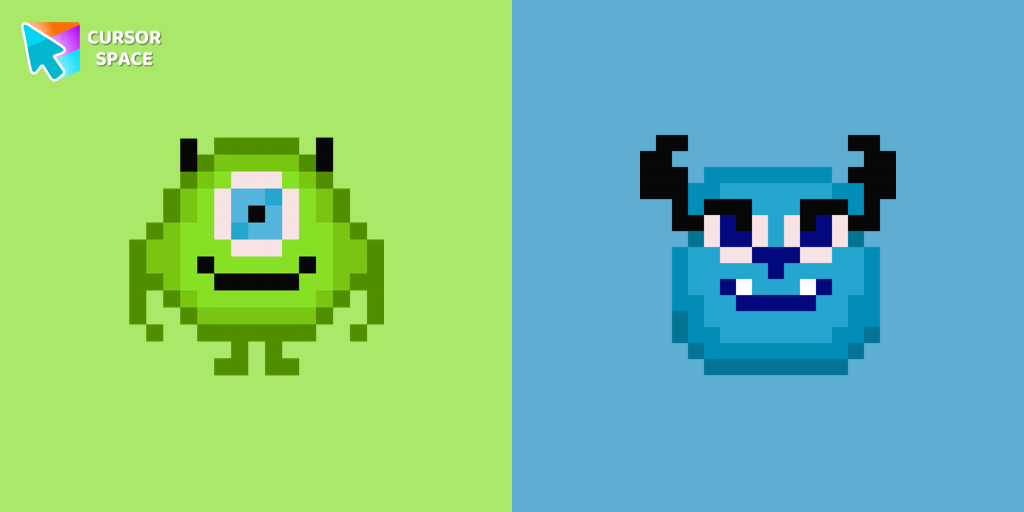 Monsters Pixel cursorCute custom cursor with Monsters, Inc includes a mouse cursor in the form of Mike Wazowski and a hover pointer with James P. Sullivan.
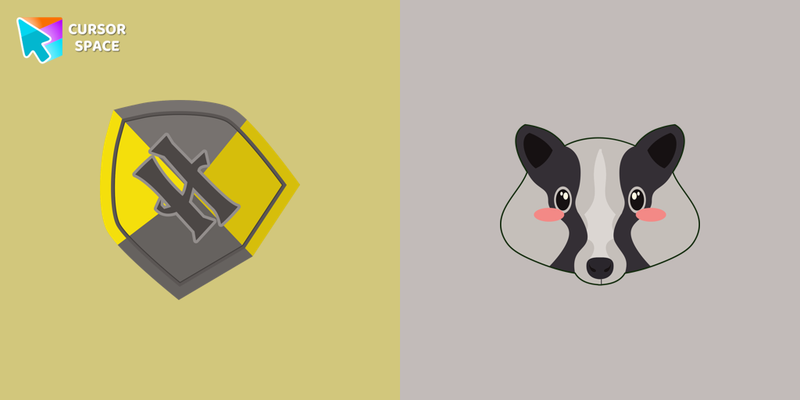 Hufflepuff Crest cursorCute Hufflepuff Crest cursor and mascot badger pointer in our custom cursors collection with Harry Potter.
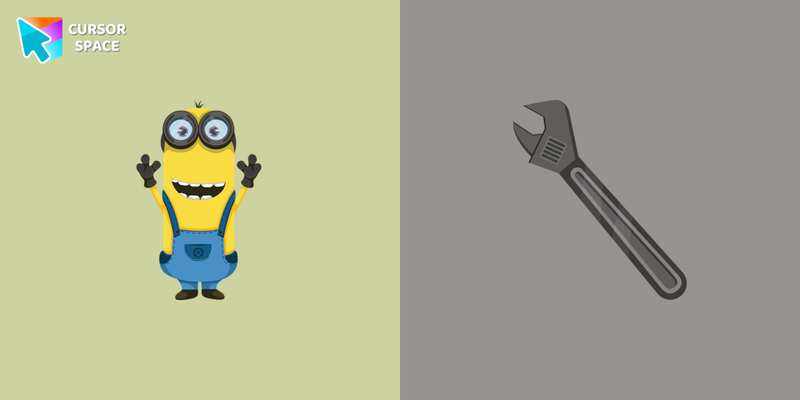 Kevin the Minion cursorKevin the Minion custom cursor for mouse and pointer with the adjustable wrench in a Minions collection of custom cursors.
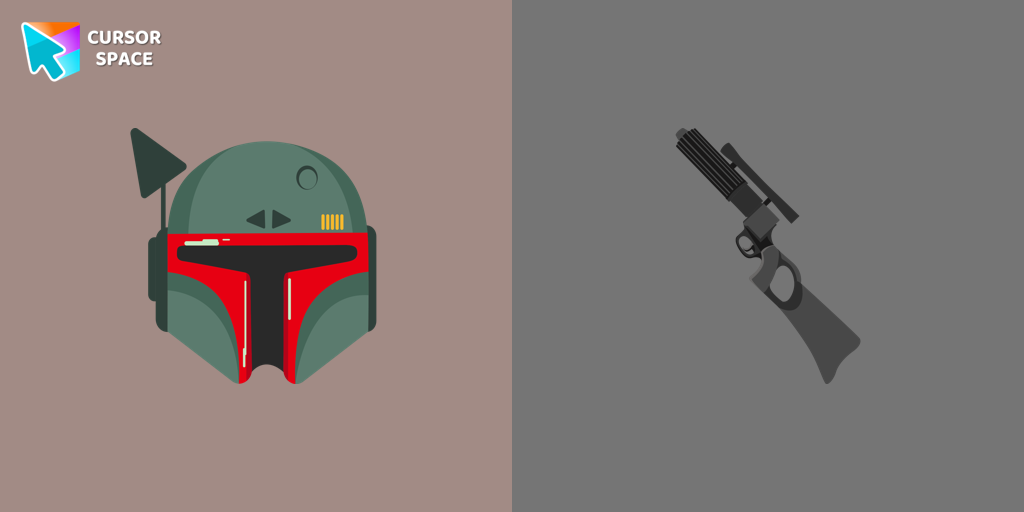 Boba Fett cursorStar Wars fans will love our custom cursor for Google Chrome. Featuring Boba Fett's weapon and hover effect, it's perfect for your browsing experience
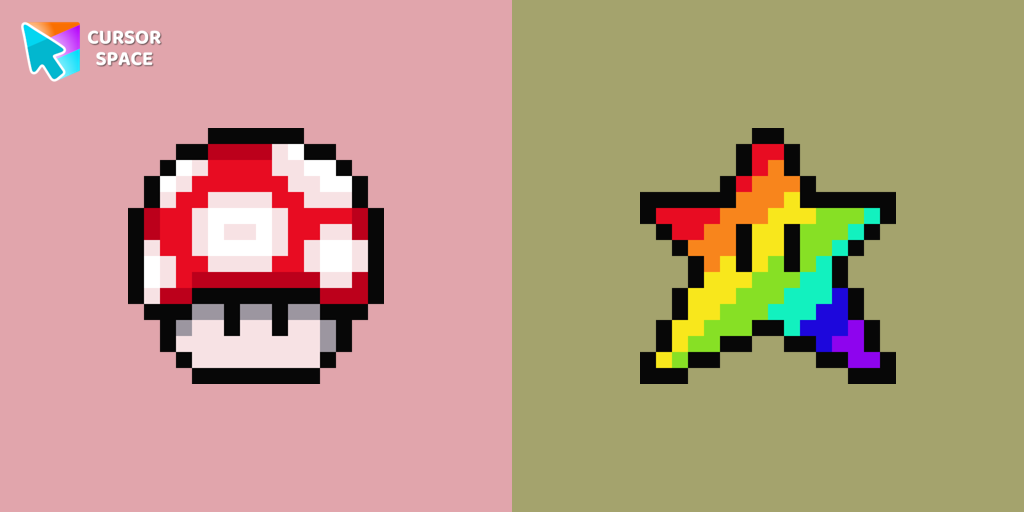 Super Mushroom Pixel cursorCute custom cursor with Super Mario includes a mouse cursor in the form of super mushroom and a hover pointer with the star.
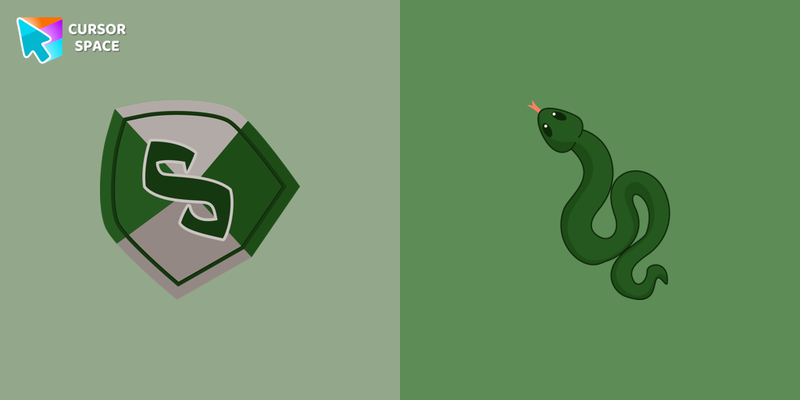 Slytherin Crest cursorCustom cursor with Slytherin includes a mouse cursor in the form of a mascot snake and a hover pointer with Slytherin emblem.
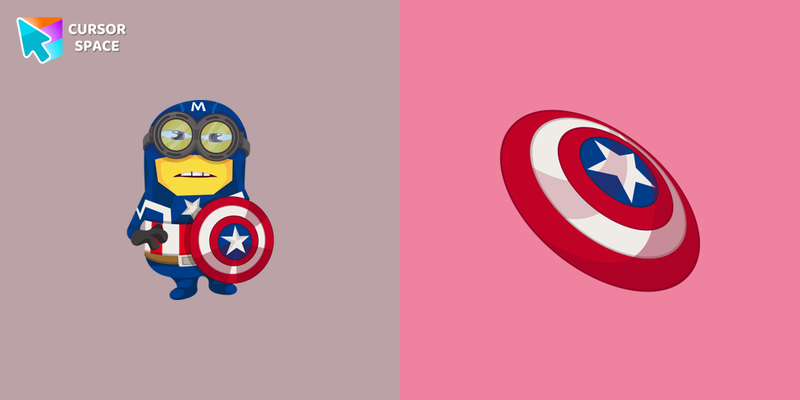 Minion Captain America Character cursorVery clever and smart Captain America minion style in a cute design for custom cursor with Minion Captain America. Shield as a custom hover for Minions cursors collection.
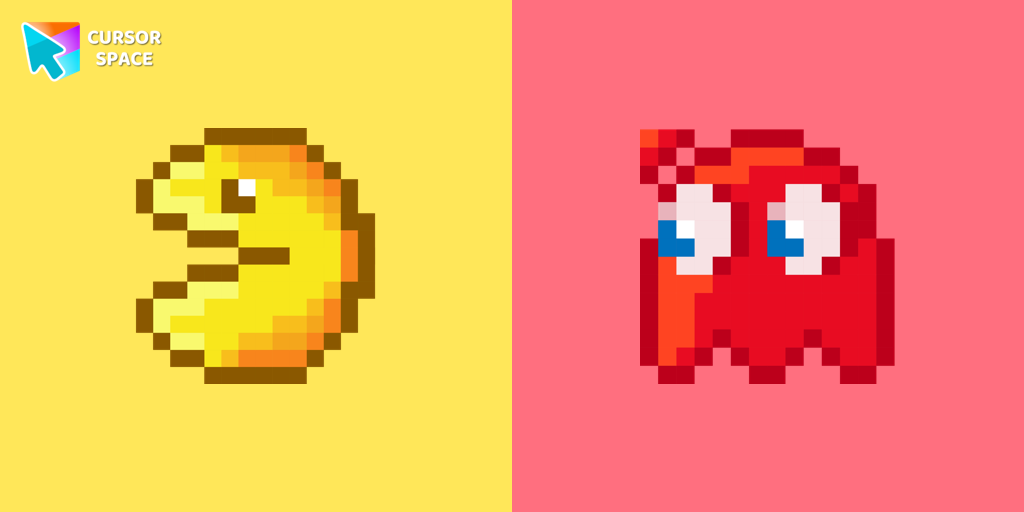 Pac-Man Pixel cursorPac-Man custom cursor from our Cute Pixel cursors collection for mouse and pointer.
Explore cursor packs by style
Cursor Space packs include curated cursor sets for everyday browsing: cute, minimal, anime, neon, pixel art, and more. Each pack comes with multiple cursor states (like default and pointer) and can be added to your browser in seconds.
Trending now
Fresh picks based on what people install most often.
Collections
Browse themed sets grouped by vibe and aesthetic.
Top charts
See weekly, monthly, and all-time leaders.
How to install a cursor pack
- Open any pack from the grid above.
- Click the install / add button on the pack page.
- If you don’t have it yet, install the Cursor Space browser extension.
- Apply the pack in the extension and enjoy your new cursor.
FAQ
Quick answers to common questions about cursor packs, collections, and installation.
Are cursor packs free on Cursor Space?
Most cursor packs on Cursor Space are free to browse and install. Some packs may be marked premium depending on licensing. The Cursor Space browser extension is free to install from the Chrome Web Store.
Do cursor packs work on Chrome and Edge?
Yes. Install the Cursor Space extension for Chromium-based browsers (Chrome, Edge, Brave), open a pack page, and click install/apply. The extension applies the cursor set across your browser.
How do I install a custom cursor pack?
Open the pack page, click the install or add button, install the Cursor Space extension if prompted, then apply the pack from the extension popup. Your new cursor appears immediately.
Can I change or remove a custom cursor later?
Yes. Open the Cursor Space extension, choose another pack, or restore the default system cursor from the extension settings.
Is the Cursor Space extension safe?
Cursor Space is distributed via the Chrome Web Store and Edge Add-ons. Keep the extension updated, and only install packs from trusted catalog pages on this site.