
All Cursor Packs
Browse our full collection of custom cursors. Find your next favorite style and install it for free.
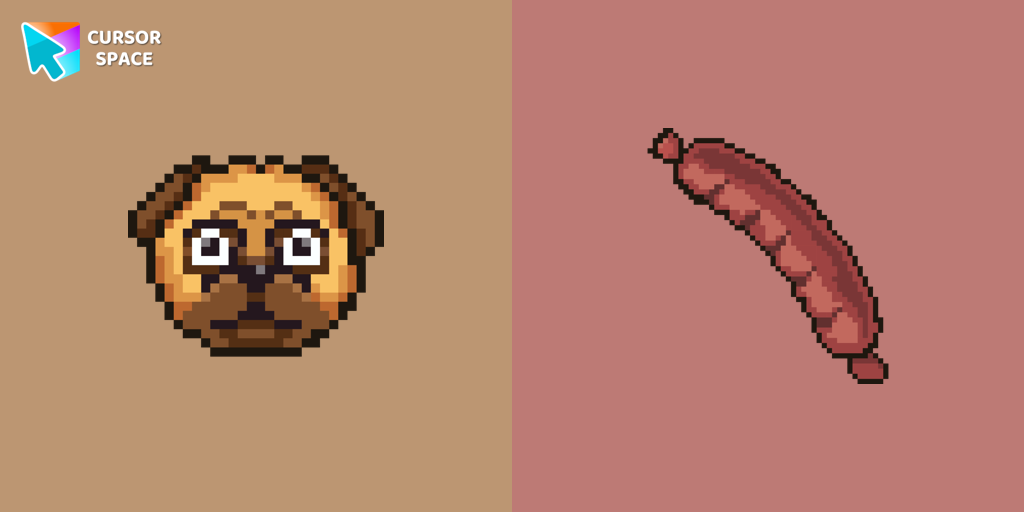 The Pug Pixel cursorCustom cursors with Pug Pixel are a great option in a Cute Pixel cursor collection.
 Goopy Le Grande cursorExperience the Goopy Le Grande custom cursor for Google Chrome, bringing the playful Cuphead boss to life. Add fun and animation to your browsing experience.
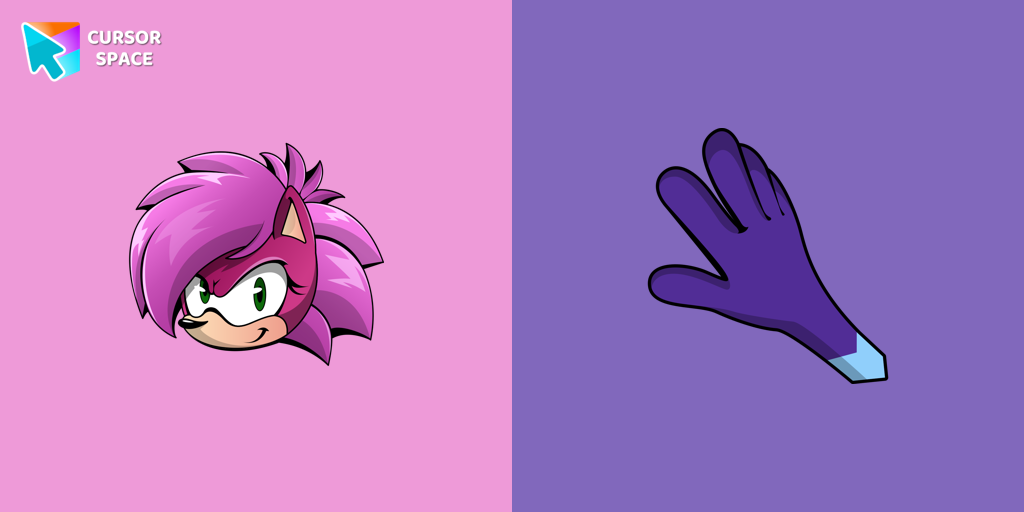 Sonia the Hedgehog cursorSonia the Hedgehog for Chrome cursor set has a custom cursor and a pointing device.
 Share Bear cursorShare the Joy with the Share Bear Cursor - Spreading Kindness Online
 Sucrose cursorCollect all cursors from the Genshin Impact cursors collection for Chrome.
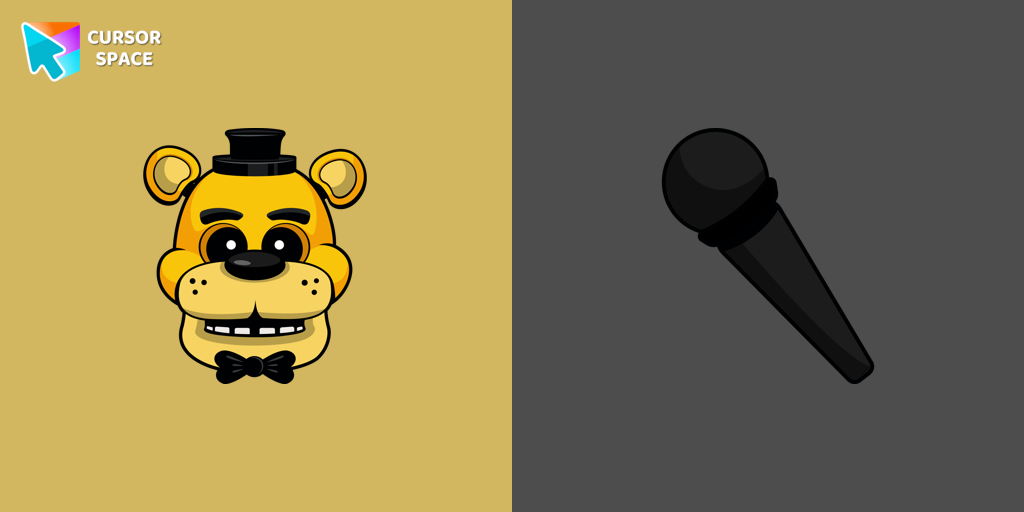 Golden Freddy cursorIn our custom cursors collection Five Nights at Freddy's, we have illustrated a Golden Freddy as a custom cursor for the browser in a nice art.
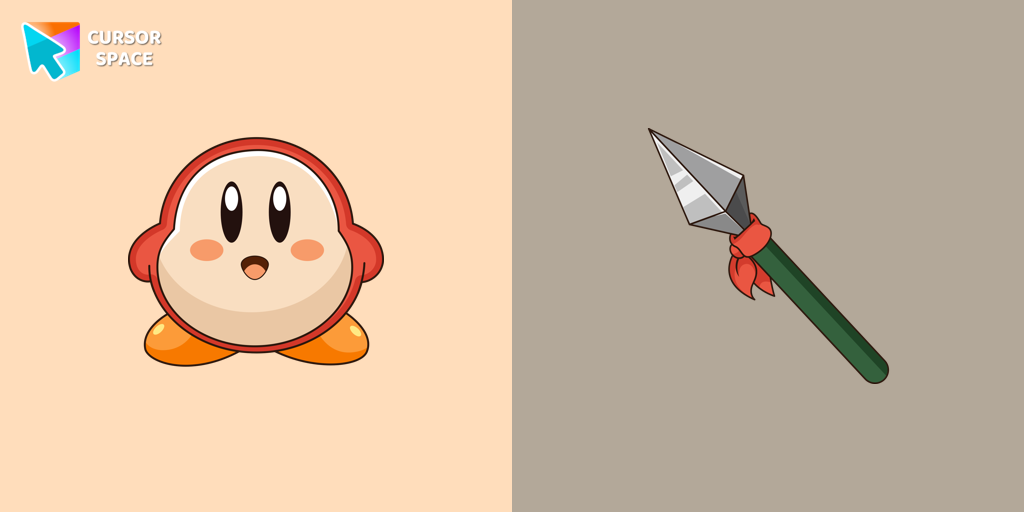 Waddle Dee cursorIntroducing the Waddle Dee custom cursor from our Games collection of cute cursors.
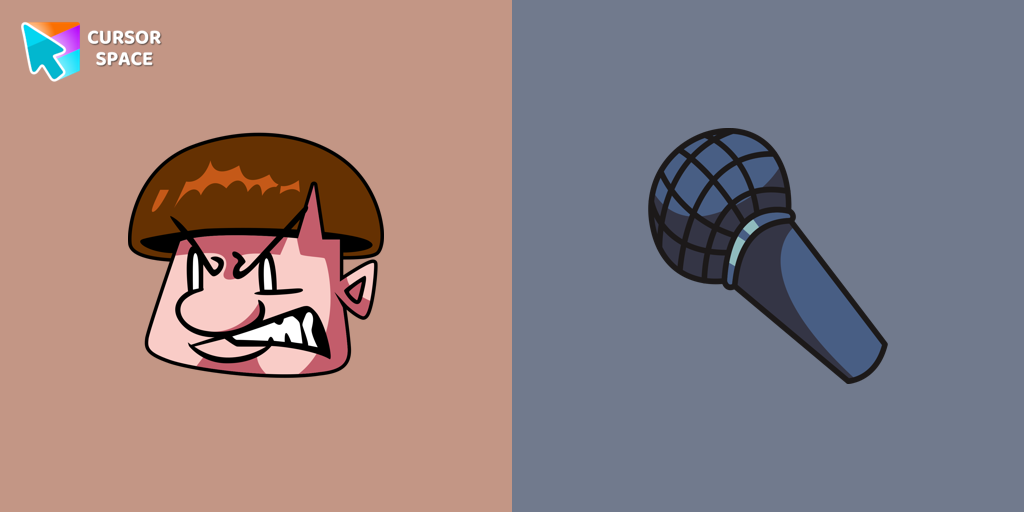 FNF Uberkids cursorUberkids cursor element is a cute custom mouse and pointer cursor with stylish pointing.
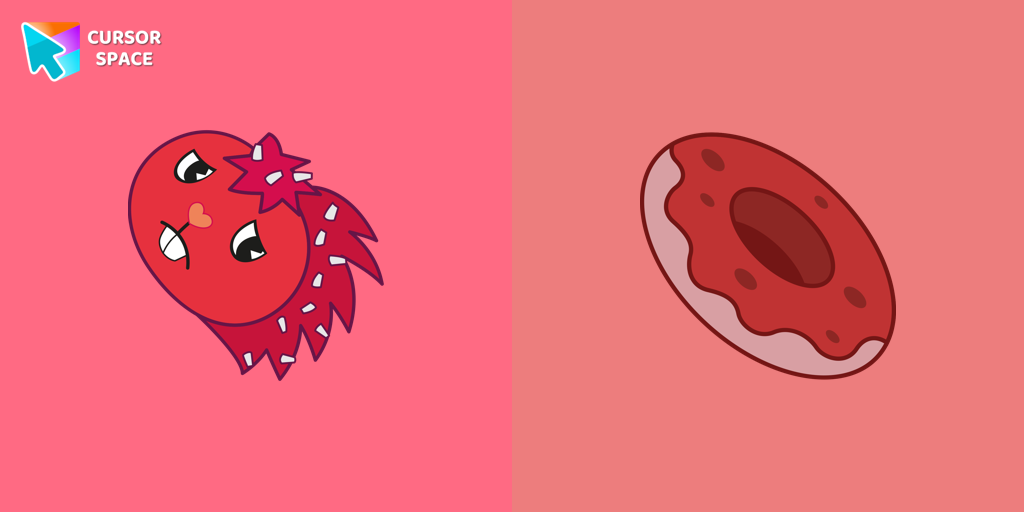 Flaky cursorFlaky, a popular character in the Happy Tree Friends series, is a red porcupine with quills resembling white flakes
 Love-A-Lot Bear cursorThe Love-a-lot Bear custom cursor from our custom cursors collection for Chrome.
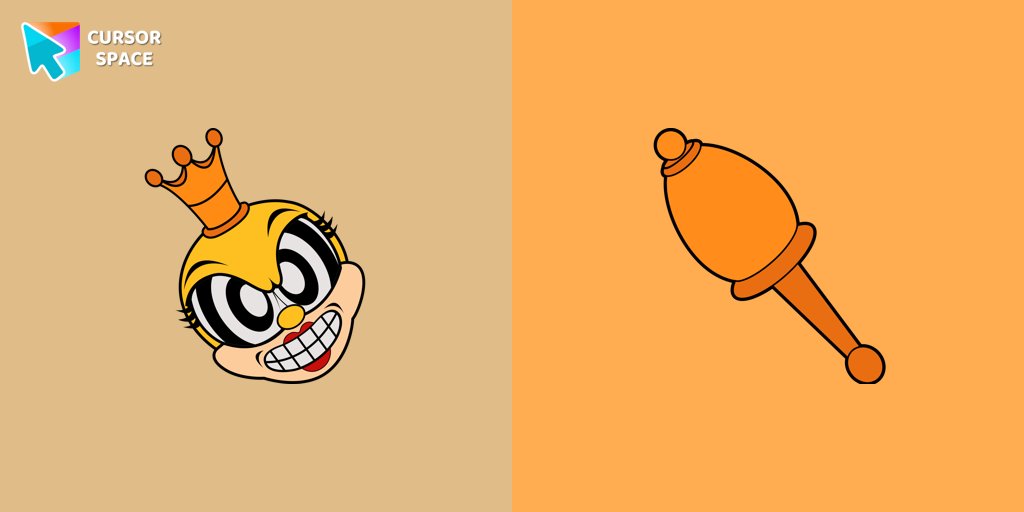 Rumor Honeybottoms cursorTransform your browsing with the Rumor Honeybottoms custom cursor for Google Chrome. This unique cursor brings the iconic Cuphead boss to life on your screen.
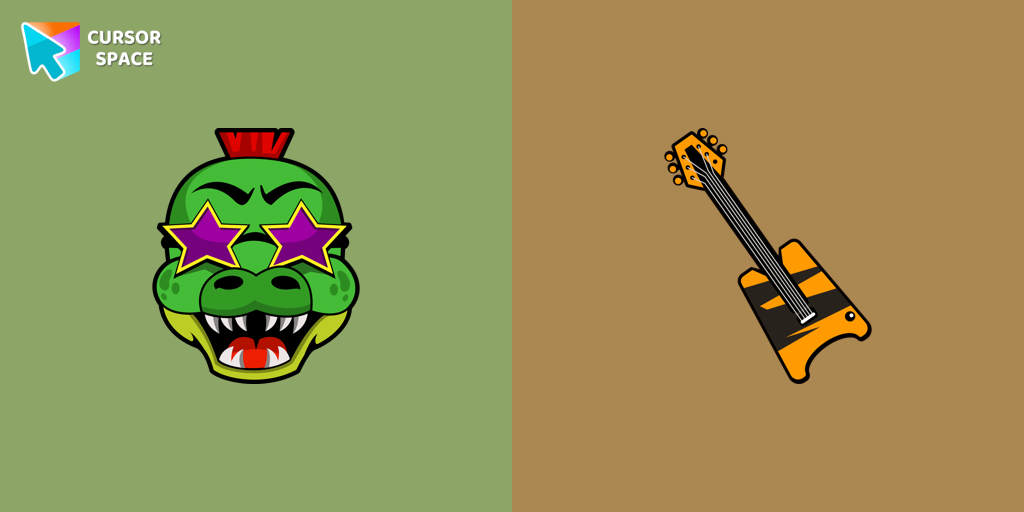 Montgomery Gator cursorMontgomery Gator cursor for mouse and custom hover pointer with bass guitar in Five Nights at Freddy's collection of custom cursors.
 FNF Snoopy cursorCustom cursor with Snoopy from our custom cursors collection with game characters.
 Lammy cursorLammy, a purple sheep with wooly white hair and tail fur, dons a cozy white sweater and a small purple bow in her hair. Her best friend...
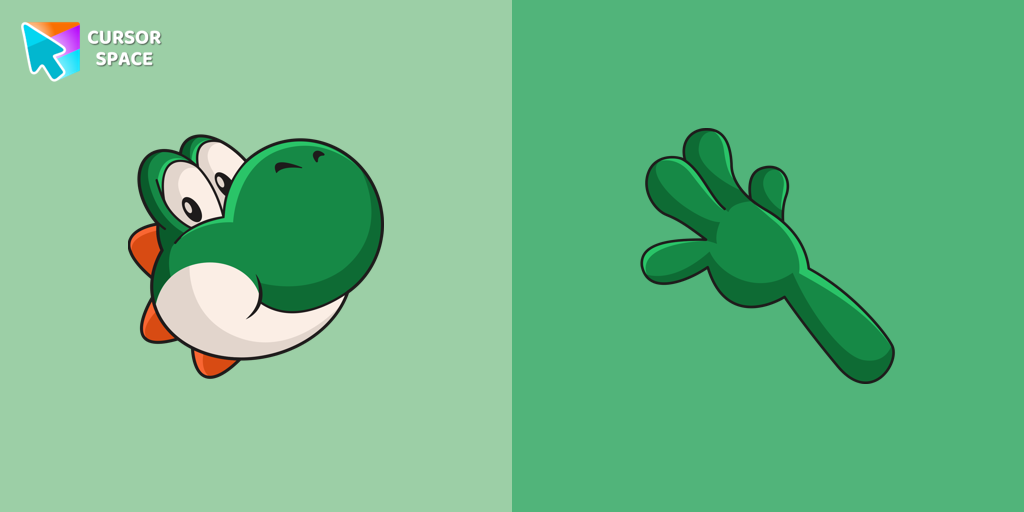 Yoshi cursorYoshi, the lovable dinosaur-like character, is both an ally of Mario and Luigi and a sidekick to Mario in the main series
 Grumpy Bear cursorGrumpy Bear cursor for mouse and pointer in a terrific custom cursors collection for Chrome with Care Bears.
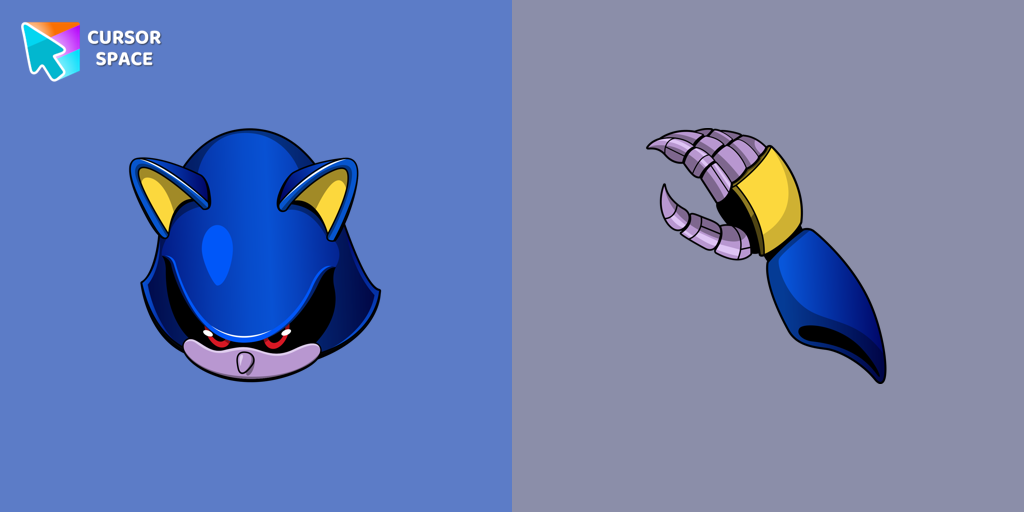 Metal Sonic cursorThe custom cursor for the mouse and pointer from our Sonic collection will allow you to navigate the tab at the speed of a Metal Sonic.
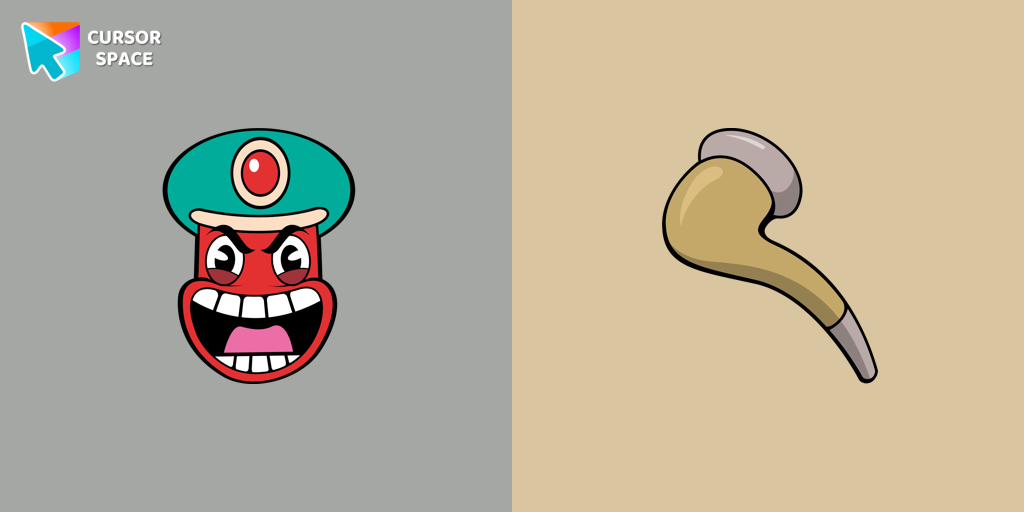 Djimmi the Great cursorTransform your browsing with the Djimmi the Great custom cursor. This custom cursor for Google Chrome brings the magic of Cuphead to your screen.
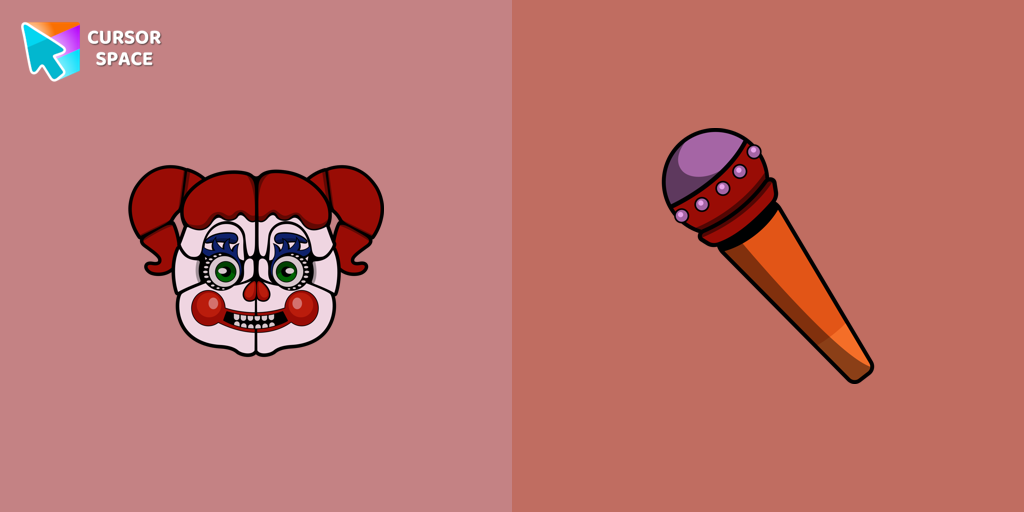 Circus Baby cursorChange the default cursor to Circus Baby, you are welcome to our collection of cursors in Five Nights at Freddy's in various arts.
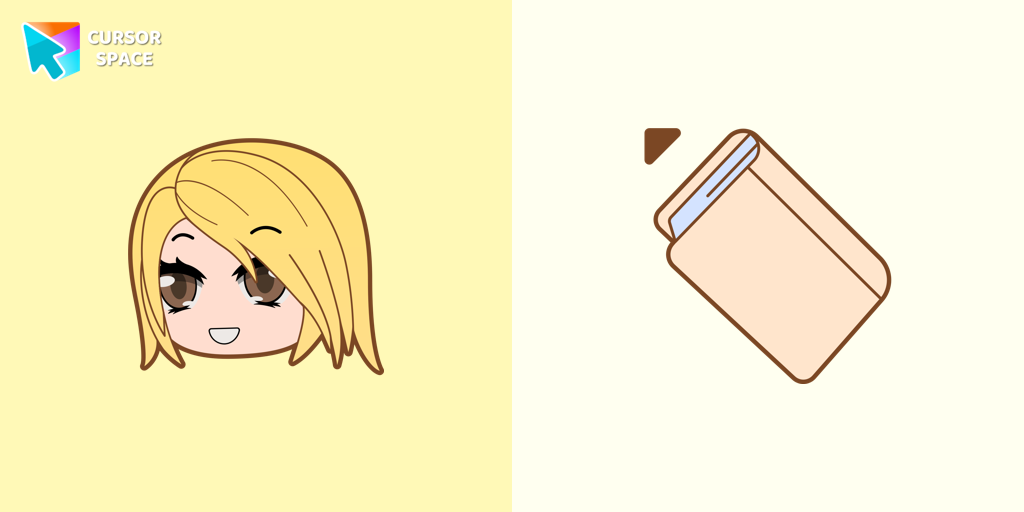 Alexa cursorAlexa cursor for mouse and custom hover pointer with the light pink book in a game collection of cursor space
Explore cursor packs by style
Cursor Space packs include curated cursor sets for everyday browsing: cute, minimal, anime, neon, pixel art, and more. Each pack comes with multiple cursor states (like default and pointer) and can be added to your browser in seconds.
Trending now
Fresh picks based on what people install most often.
Collections
Browse themed sets grouped by vibe and aesthetic.
Top charts
See weekly, monthly, and all-time leaders.
How to install a cursor pack
- Open any pack from the grid above.
- Click the install / add button on the pack page.
- If you don’t have it yet, install the Cursor Space browser extension.
- Apply the pack in the extension and enjoy your new cursor.
FAQ
Quick answers to common questions about cursor packs, collections, and installation.
Are cursor packs free on Cursor Space?
Most cursor packs on Cursor Space are free to browse and install. Some packs may be marked premium depending on licensing. The Cursor Space browser extension is free to install from the Chrome Web Store.
Do cursor packs work on Chrome and Edge?
Yes. Install the Cursor Space extension for Chromium-based browsers (Chrome, Edge, Brave), open a pack page, and click install/apply. The extension applies the cursor set across your browser.
How do I install a custom cursor pack?
Open the pack page, click the install or add button, install the Cursor Space extension if prompted, then apply the pack from the extension popup. Your new cursor appears immediately.
Can I change or remove a custom cursor later?
Yes. Open the Cursor Space extension, choose another pack, or restore the default system cursor from the extension settings.
Is the Cursor Space extension safe?
Cursor Space is distributed via the Chrome Web Store and Edge Add-ons. Keep the extension updated, and only install packs from trusted catalog pages on this site.